
CropBatch
INSTRUMENT DATASHEET — CONSISTENT EDITS. A WHOLE BATCH AT ONCE.
01 Function
Edit a whole batch of images.
Crop, resize, watermark and blur images without repeating the same edits for every file.
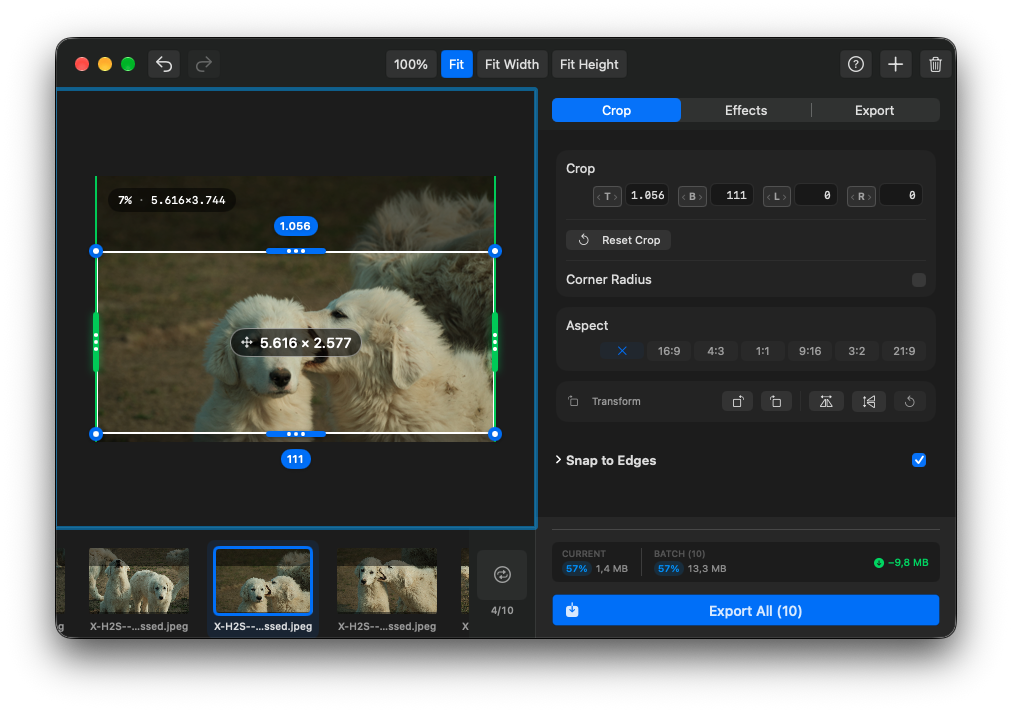
Crop & split
Set edge trims visually or with exact values. Split images into rows and columns.
Effects
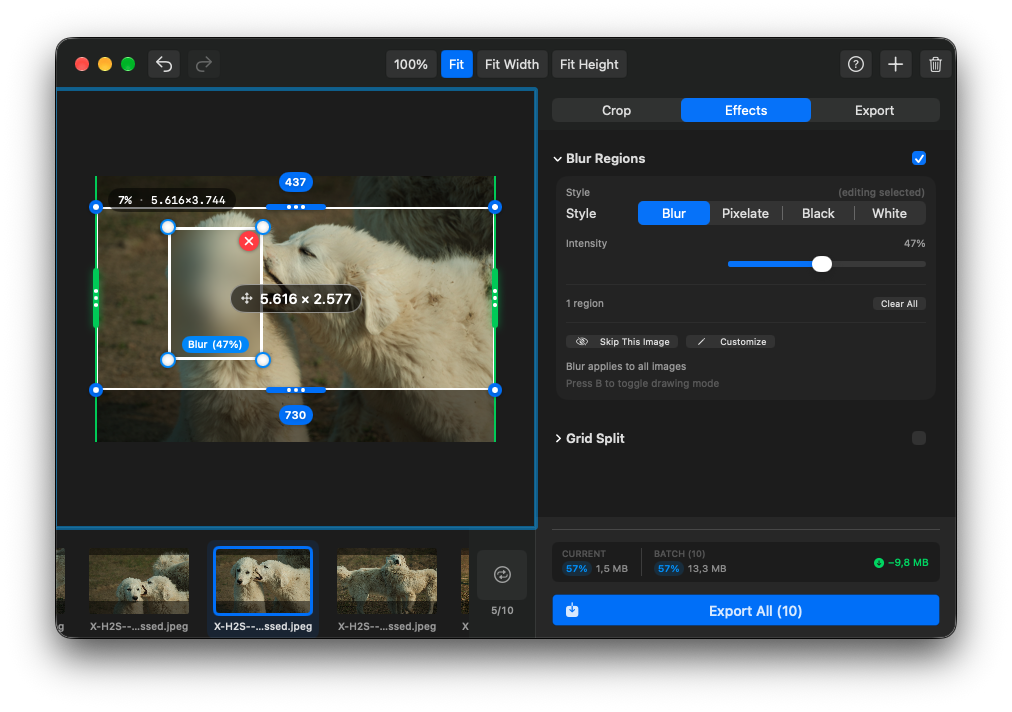
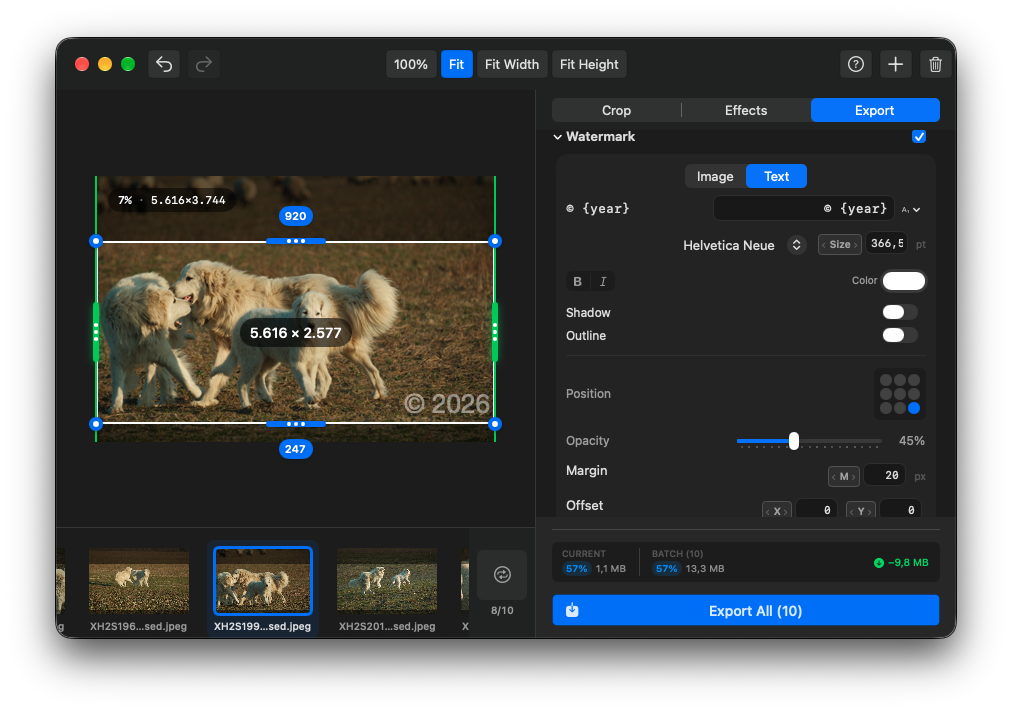
Add text or image watermarks, blur regions and rounded corners.
Export
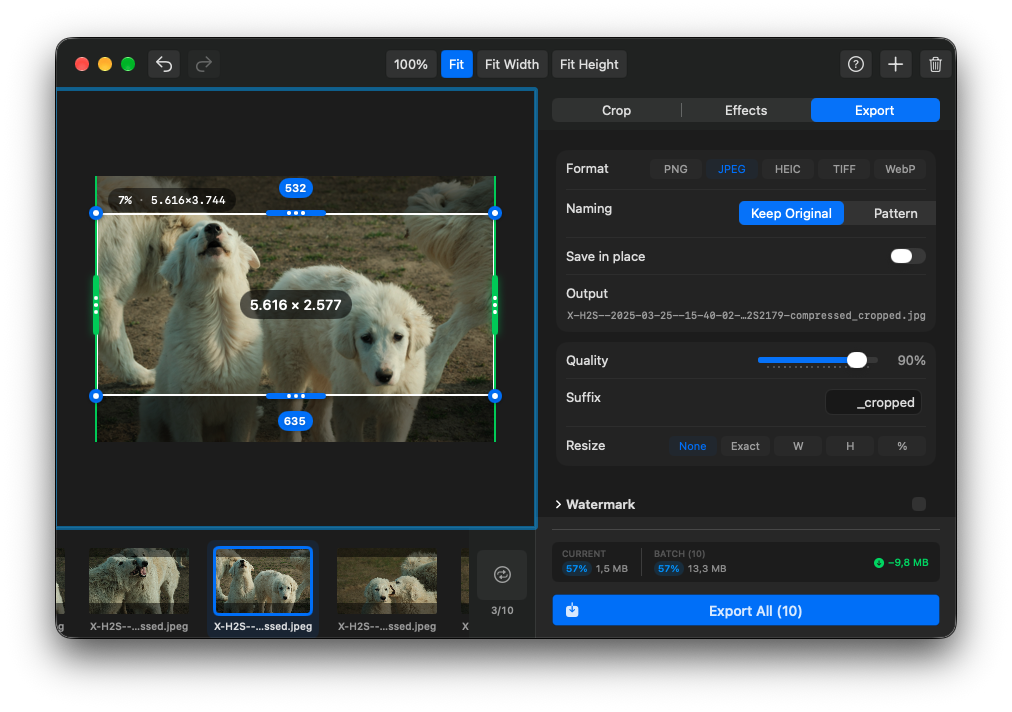
PNG, JPEG, HEIC, TIFF or WebP, with size and naming options.
Originals
Export to a separate folder, or replace source files after confirmation.
02 Views
A preview of version 1.7, now in final testing. Crop, Effects, and Export tabs keep each step close at hand. The current public download is version 1.6.
03 Specifications
| Requirements | macOS 15.0 or later. Apple Silicon or Intel. |
| Updates | Built-in updates via Sparkle. |
| Privacy | Images are processed on your Mac. Update checks connect online; the 1.7 preview’s feedback form sends only the information you submit. |
| Released | July 3, 2026 · current v1.6 |
| Price | Free. No paid tier. Optional tips support development. |
| Source | View on GitHub ↗ |
Made by Luces Umbrarum. All apps ↗