
syncthingStatus
INSTRUMENT DATASHEET — SYNCTHING, RIGHT IN YOUR MENU BAR
01 Function
Syncthing, in your menu bar.
Check sync progress, connected devices and transfer speeds without opening a browser.
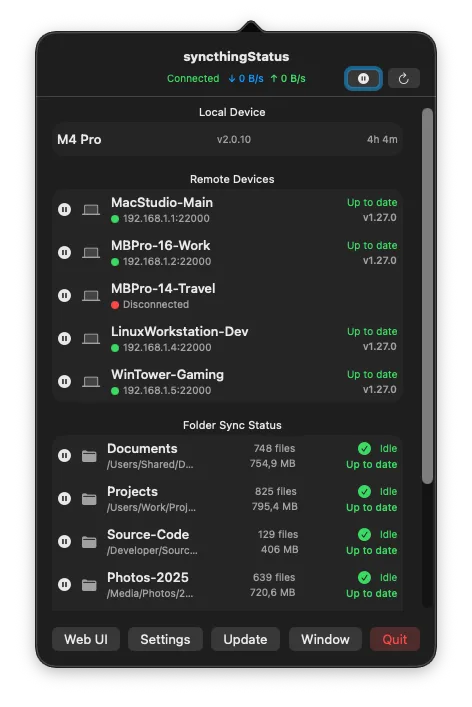
Devices & folders
Device connections, folder state and file counts refresh every 10 seconds.
Notifications
Get notified when syncing finishes or deletions become stuck.
Connection setup
Connect to a local or remote instance. API keys are stored in Keychain; self-signed HTTPS certificates are trusted for local connections only.
02 Views
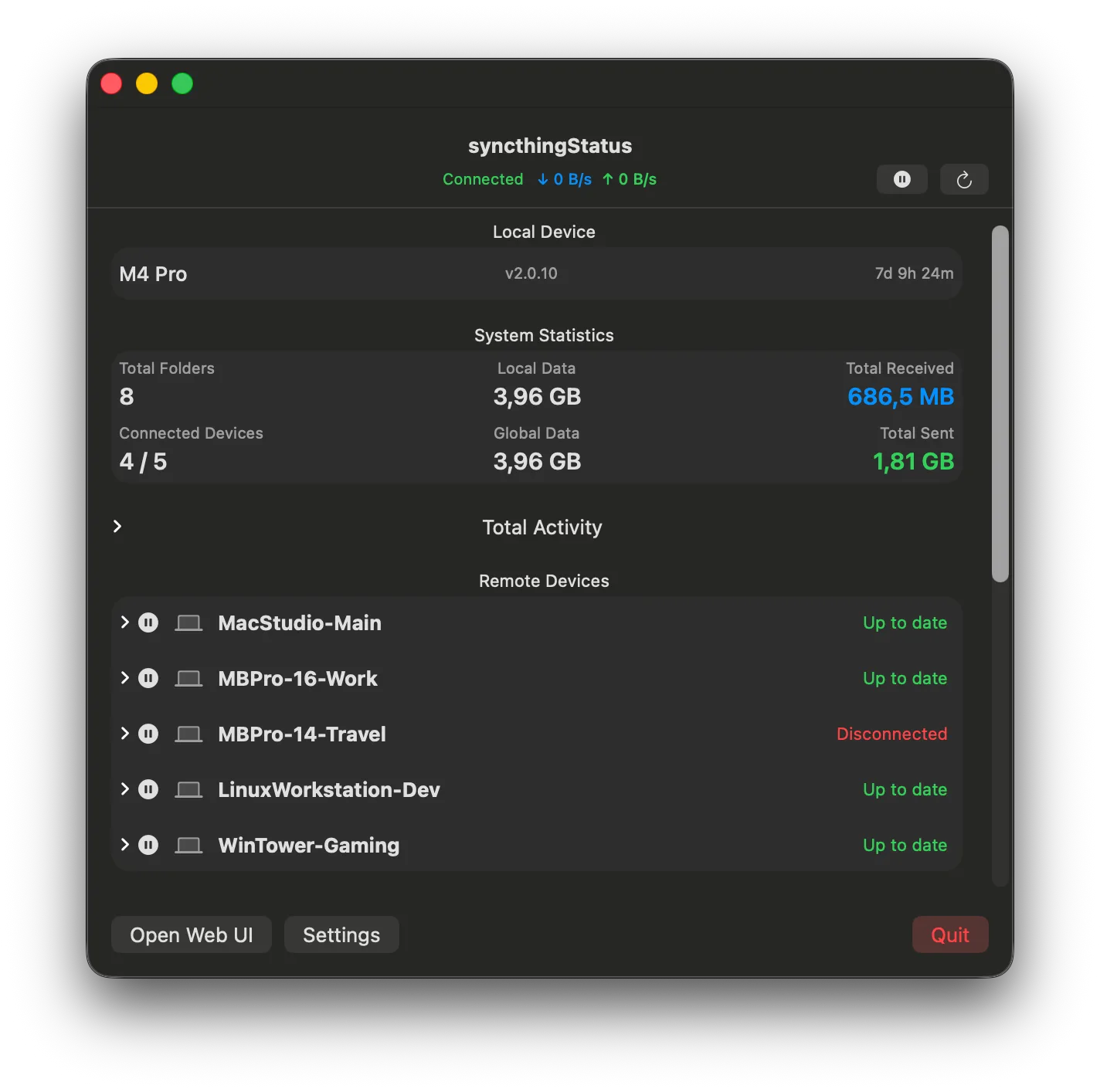
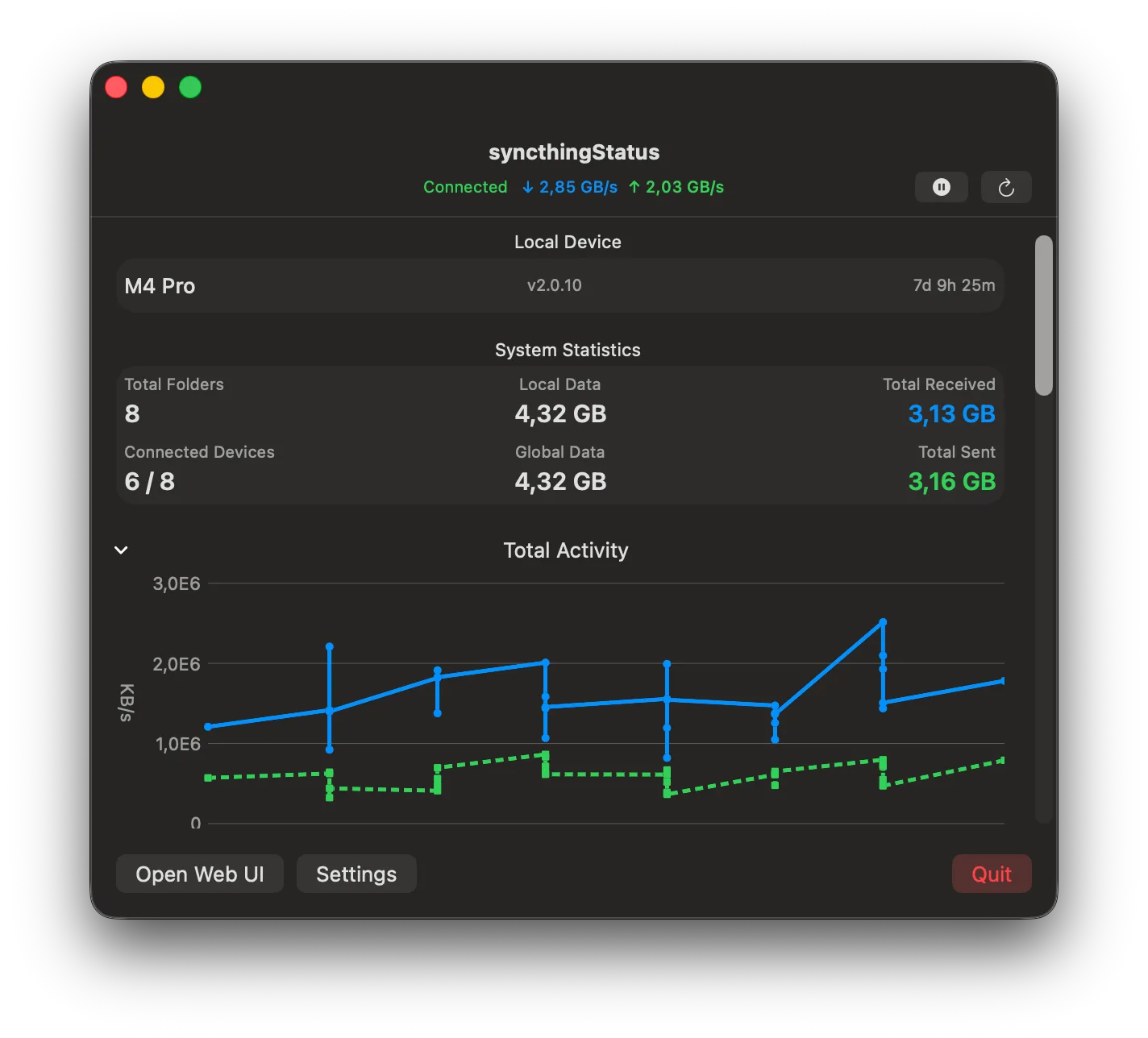
03 Install with Homebrew
Prefer Homebrew? Add our tap, then install syncthingStatus. Run these two commands in Terminal:
brew tap xpycode/syncthingstatus https://github.com/
brew install --cask xpycode/
Requires macOS 15.5 or later; supports Apple Silicon and Intel. Syncthing must be configured and running separately.
This is our developer-maintained tap, outside the official Homebrew catalogue. Installation details on GitHub →
04 Specifications
| Requirements | macOS 15.5 or later. Syncthing installed and running. |
| Notarized | Signed & notarized by Apple. Opens without security warnings. |
| Privacy | No telemetry. Connects to your selected Syncthing instance and checks for app updates. |
| Released | September 17, 2026 · current v1.6.2 |
| Price | Free. Optional tip jar. |
| Source | View on GitHub ↗ |
| Updates | Built-in via Sparkle. On 1.6.0 or older, download this update manually; automatic installation was fixed in 1.6.1. |
New in 1.6.2
Long folder names and paths now fit neatly in the menu bar dropdown, keeping file counts and sync status readable. Hover over truncated text to see it in full.
Cleanup is temporarily disabled for safety. Monitoring and stuck-deletion alerts remain available.
Made by Luces Umbrarum. All apps ↗