
Contour
FRAMING GUIDES FOR MACOS
01 Function
Frame your screenshots before you take them.
Place a visual guide around the window you want to capture. Choose a preset or enter a size, fit your window by hand, then take the screenshot or recording with macOS or QuickTime.
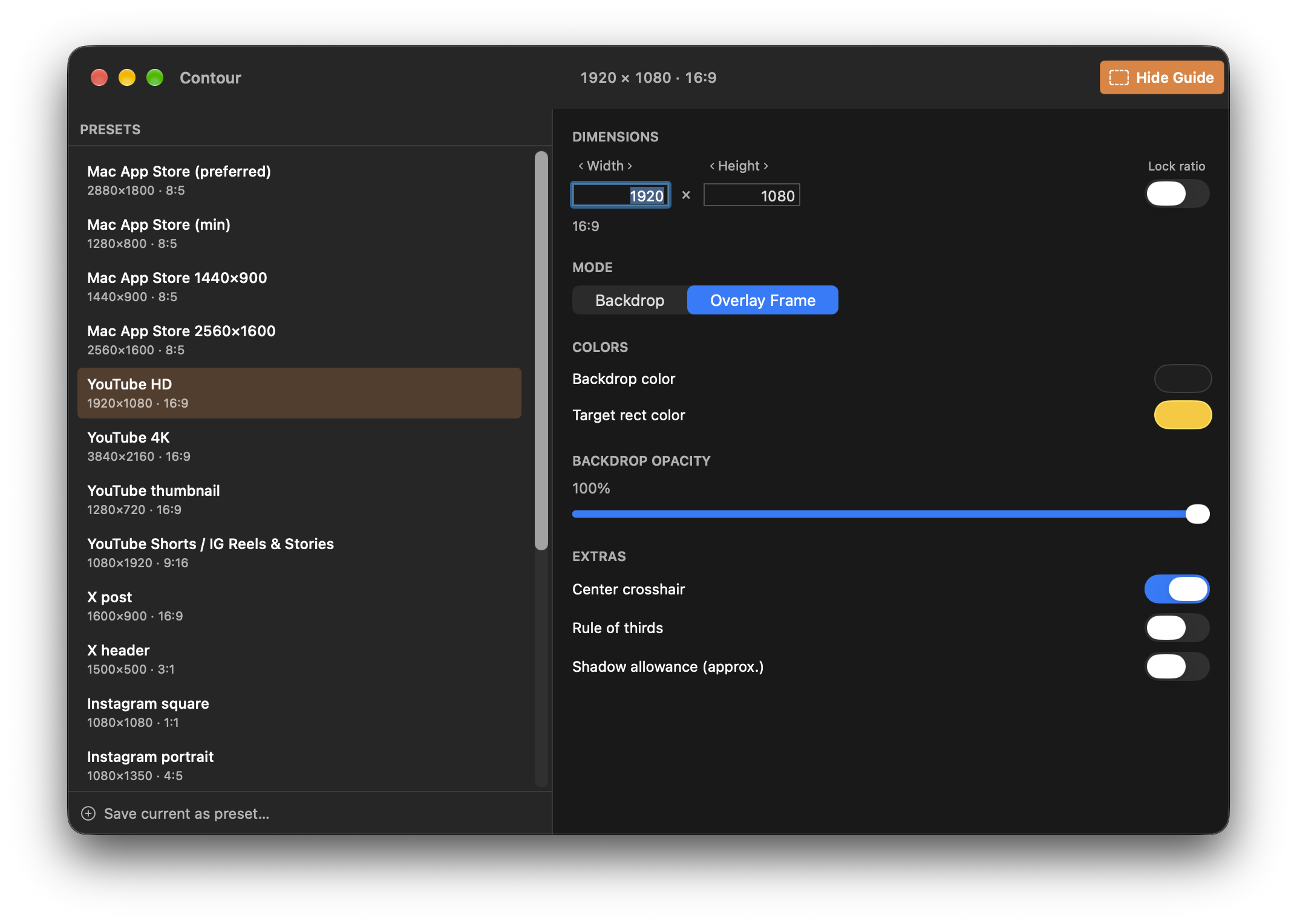
Backdrop places a colored background behind your window. Overlay draws a floating outline around the target area. In either mode, position and resize your window by hand.
02 How it works
Pick a preset or enter your target width and height. Lock the ratio or save a custom preset.
Show a backdrop or floating frame, then position your window inside it.
Capture with macOS or QuickTime. Press Command-Option-G to hide the guide.
For a selected region, align the capture selection with the guide’s inside edges. Window capture uses the window’s own size; hold Option while clicking to omit its shadow.
03 Practical details
| Requires | macOS 15.0 or later. Apple Silicon and Intel. Signed and notarized universal DMG. |
| Framing aids | Guide colors, backdrop opacity, crosshair and rule of thirds. Drag the overlay’s grip or dimension strip to move it; lock the frame for click-through use. |
| Capture accuracy | Contour draws guides. It does not capture, snap, move or resize other windows. Final image dimensions depend on your manual alignment and capture method. |
| Shadow allowance | An optional outline sits 40 screen points outside the target. It is approximate and does not predict the captured shadow’s dimensions. |
| Permissions | No Screen Recording or Accessibility permission. |
| Updates & privacy | Presets and settings stay on your Mac; no account or analytics. Sparkle contacts the update server. Privacy details. |
| Release status | Version 1.0 / build 2 · released October 15, 2026. Free, with automatic update checks via Sparkle. |
Contour · Changelog · Support · Privacy
Made by Luces Umbrarum. All apps ↗